

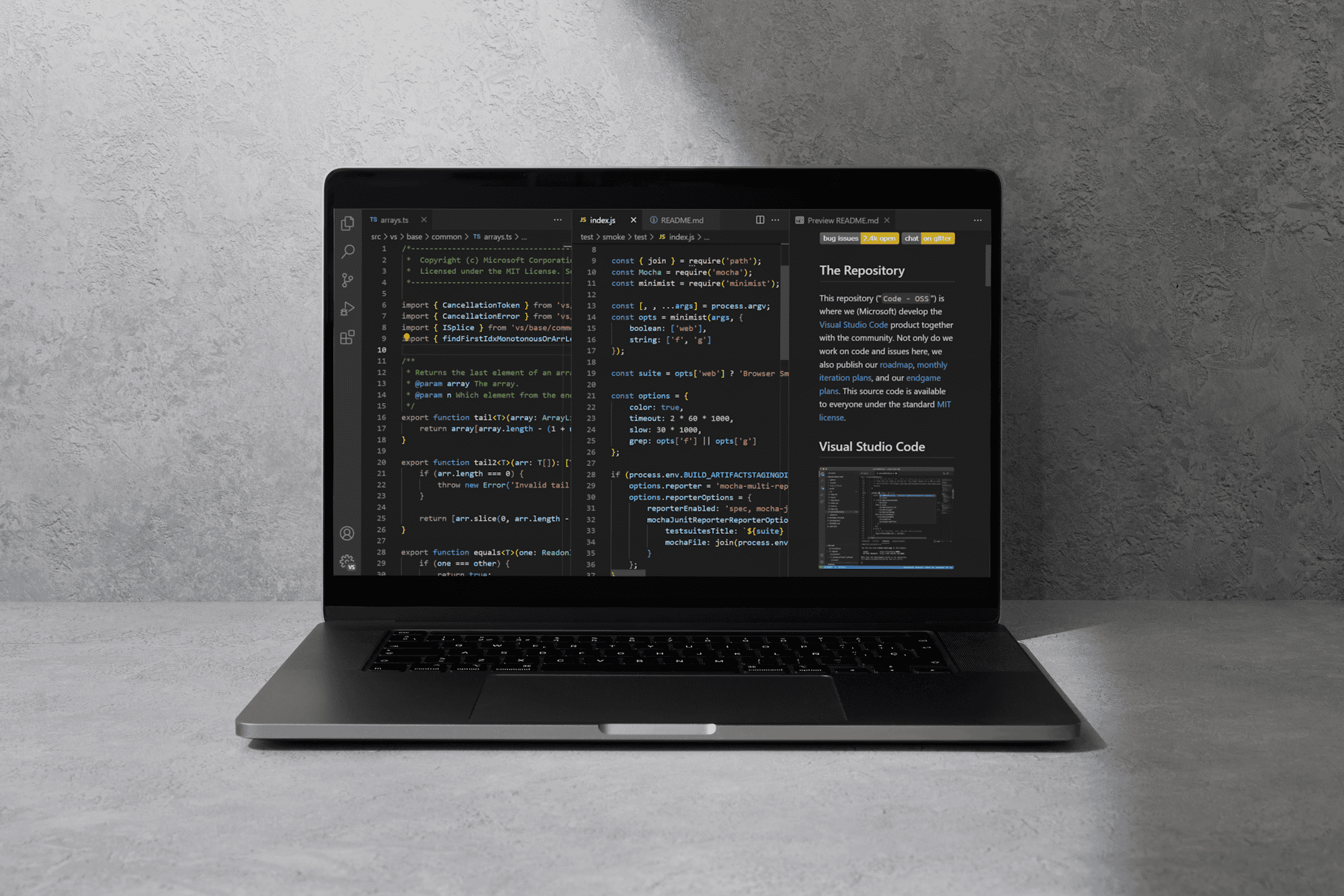
C is a foundational language for operating systems and high-performance applications. For macOS developers, selecting the right Integrated Development Environment (IDE) or code editor is essential for efficiency. While macOS offers powerful native options, many cross-platform tools are also effective. In this guide, I will review the top software solutions available, focusing on those that provide excellent compiling, debugging, and code assistance for C programming on a Mac.
Top Integrated Development Environments and Editors for macOS
1. Visual Studio Code (VS Code)
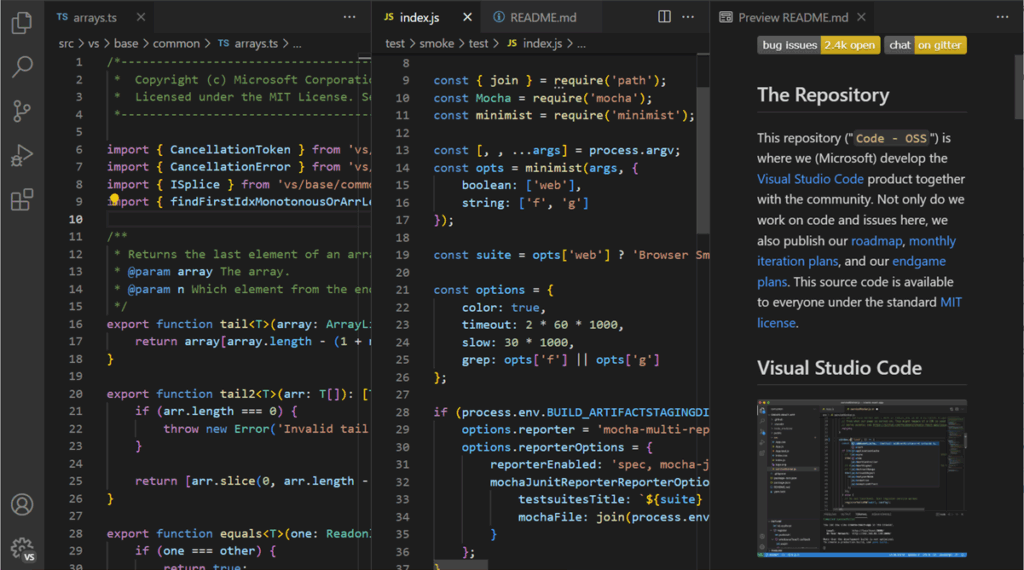
This is a free, open-source, and highly popular code editor developed by Microsoft. While technically an editor, it functions like a full IDE when combined with the right extensions, such as the official Microsoft C/C++ extension. VS Code is known for its lightweight performance, cross-platform support (Windows, Mac, and Linux), and massive library of community-driven plugins.
VS Code integrates seamlessly with Git for version control and provides powerful features like IntelliSense for smart code completion and built-in debugging capabilities. For developers who enjoy a highly customizable environment and perhaps work on other projects like the best Mac software for video editing, VS Code offers unparalleled flexibility.
2. Xcode
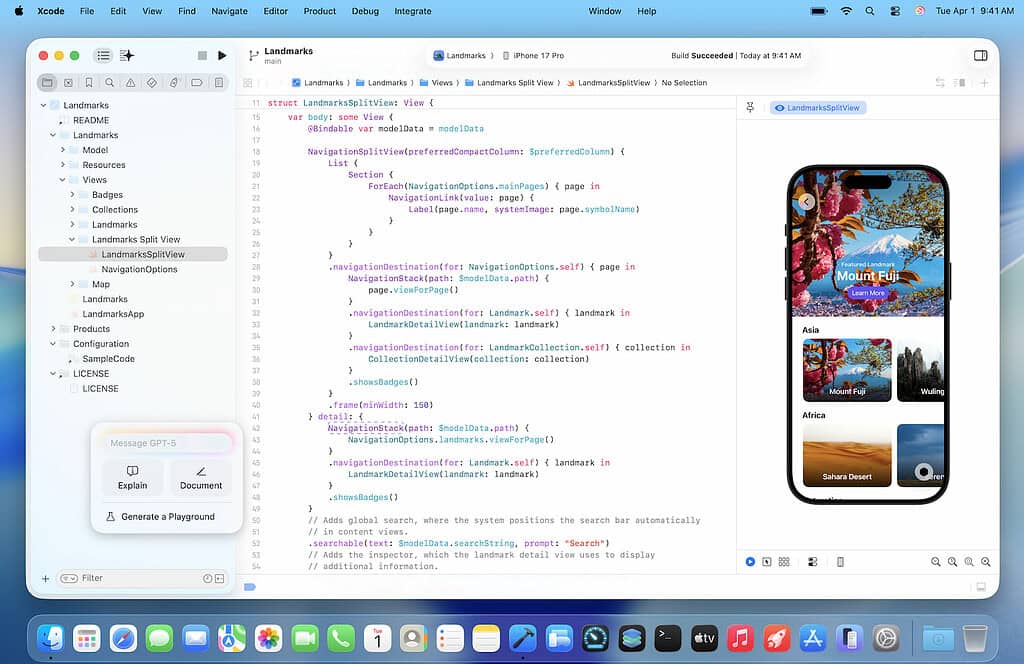
As Apple’s native IDE, Xcode is the definitive choice for developers focusing on the macOS and iOS ecosystems. It comes with the complete toolchain for Apple platforms, including the Clang compiler and integrated debugging and testing tools. Xcode is optimized to work directly with the operating system, offering superior performance and a native feel.
While Xcode can be large in size and initially overwhelming for C beginners, it is the best solution for anyone whose work requires deep integration with Apple-specific frameworks. Setting up Xcode also installs the command line tools, which include the necessary compilers like Clang and a version of GCC.
3. Code::Blocks
These two open-source, cross-platform IDEs remain reliable choices for C programming. Code::Blocks is free and lightweight, written in C++, and known for its simplicity, making it great for beginners. It supports multiple projects and offers a wide variety of customizable plugins.
Code::Blocks supports remote system exploration and features static code analysis, debugging support, and compilation tools. Developers who occasionally need to manage systems outside their local machine may also be interested in powerful solutions like the best remote desktop software for Mac. Eclipse is highly customizable through its extensive plugin architecture.
4. CLion by JetBrains

CLion is a cross-platform, professional IDE created by JetBrains, designed specifically for C and C++ programming. Unlike free alternatives, CLion is a commercial product but justifies its cost with an intelligent and robust feature set. It offers outstanding code analysis, powerful refactoring tools, and deep integration with build systems like CMake. Its strong support for various compilers (including GCC and Clang) and a feature-rich debugger make it ideal for complex, large-scale projects.
If you are also interested in precision applications, you may find that the quality of tools for CAD software for Mac shares a focus on stability and deep project management with CLion. For professional developers tackling bigger challenges, CLion is frequently the top recommendation.
FAQ
What is the difference between an IDE and a code editor?
An Integrated Development Environment (IDE) is a comprehensive suite that combines a text editor with essential tools like a compiler, debugger, and build automation features. A code editor like VS Code is primarily for writing code, but can be extended with plugins to gain IDE-like functionality.
Is a separate compiler necessary for C on macOS?
No, macOS comes with the Clang compiler bundled with Apple’s Xcode Command Line Tools. You can install these tools via the Terminal using the xcode-select –install command. This gives you the core tools needed to compile C code directly from the command line without needing a full IDE.
Can I use the GNU Compiler Collection (GCC) on a Mac?
Yes. While Apple’s default is Clang, you can easily install GCC using a package manager like Homebrew. This provides access to the full GNU Compiler Collection, which some developers prefer for specific projects or for ensuring cross-platform compatibility with Linux systems.
Choosing Your C Development Environment on Mac
Selecting the optimal C software depends on your project’s scope. Beginners should start with VS Code for its ease of use, while those needing deep Apple integration will prefer Xcode. For large, complex, or cross-platform applications, CLion provides the most advanced tools. A stable, efficient platform is paramount for success. You should also ensure system resilience, which may involve understanding data recovery software for macOS.
link